
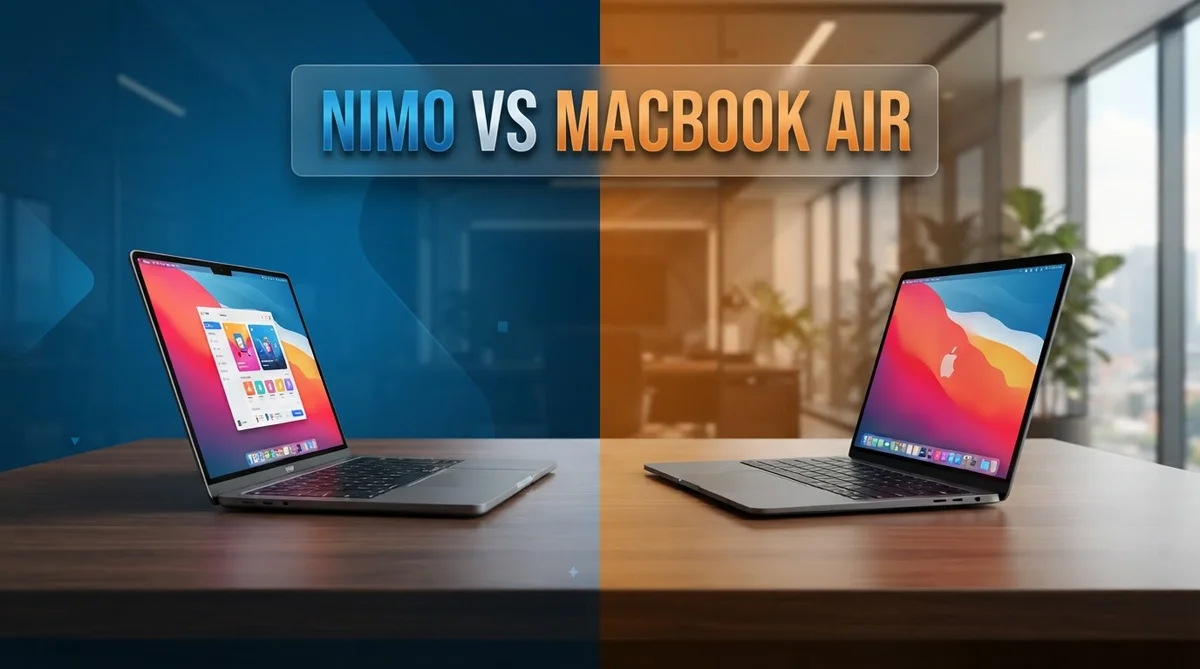
NIMO vs MacBook Air: Complete Laptop Comparison Guide
Choosing a new laptop can feel like a big decision. You want something that fits your daily tasks without extra stress.
Nimo and MacBook Air sit on very different sides of the laptop world. One focuses on flexibility and choice.
The other focuses on polish and ecosystem.
The Nimo gives you Windows or Linux options, solid specs, and room to customize. The MacBook Air brings Apple’s smooth software, strong battery life, and a sleek aluminum body.
Both laptops serve different types of users. Students, developers, and creatives all have unique needs.
This guide breaks down specs, strengths, and weaknesses side by side. We compare displays, processors, memory, and everyday performance.
By the end, you will know which laptop fits your lifestyle. Whether you want flexibility or ecosystem power, this comparison will help you decide with confidence.
Quick Comparison: Nimo vs Macbook Air
| Feature | Nimo | Macbook Air |
|---|---|---|
| Display | 15.6″ IPS FHD | 13.6″/15″ IPS 2560×1664 |
| Processor | Intel/Ryzen up to 3.7GHz | Apple M4/M5 chip |
| RAM | 16-32GB | 24-32GB unified |
| Storage | 512GB-1TB SSD | 1-4TB SSD |
| Charging | 65W USB-C | 35W USB-C |
| Build Quality | Lightweight, budget plastic | Machined aluminum, premium |
| Operating System | Windows 11, Linux support | macOS |
| Warranty | 2-year warranty | 1-year limited warranty |
Nimo Review

- 【2-Year Warranty & Reliability】Comes with 1x NIMO AMD gaming laptop with a premium metal top cover, 1x...
- 【Powerful AMD Ryzen 5 & Radeon 660M】Enjoy smooth multitasking and fast rendering with the AMD Ryzen...
Last update on 2026-08-16 / Affiliate links / Images from Amazon Product Advertising API
NIMO Laptop Overview
The NIMO is a practical 15.6″ Windows laptop that puts genuine flexibility in your hands. It’s built for students, developers, and anyone who values choice over brand loyalty.
You get solid specs here: Intel or AMD Ryzen processors up to 3.7GHz, 16-32GB RAM, and fast 512GB-1TB storage. The clean, lightweight design makes it easy to carry between classes or coffee shops.
What sets NIMO apart is customization and OS freedom. You can configure it to your exact needs, and it plays nicely with Linux if you prefer that environment.
The backlit keyboard and fingerprint login handle daily work smoothly.
Build quality feels honest—aluminum chassis, no unnecessary frills. Performance handles web browsing, document editing, and development work without breaking a sweat.
A 2-year warranty backs your purchase, and the 65W USB-C charging keeps things simple.
Pros
- Highly customizable configurations to match your exact needs
- Excellent Linux compatibility for developers and power users
- Lightweight frame and clean design make portability effortless
- 2-year warranty provides solid peace of mind
Cons
- Limited brand recognition means fewer online support communities
- Smaller ecosystem compared to major laptop manufacturers
- Fewer pre-installed integrations with popular software services
Macbook Air Review

- MIGHT TAKES FLIGHT — MacBook Air with the M5 chip packs blazing speed and powerful AI capabilities into an...
- SUPERCHARGED BY M5 — With its faster CPU and unified memory, the M5 chip delivers even more performance and...

Last update on 2026-06-17 / Affiliate links / Images from Amazon Product Advertising API
The MacBook Air is Apple’s lightweight powerhouse built for users who value performance and polish in equal measure. It suits creative professionals, students, and anyone already invested in the Apple ecosystem.
What makes it stand out is the Apple M4/M5 chip, which delivers exceptional speed while sipping battery power. You get either a 13.6″ or 15″ display with stunning clarity (2560×1664, 224ppi, 500 nits brightness).
The build feels premium—machined aluminum construction that’s thin yet durable. Real-world use shows exceptional battery life and instant responsiveness across creative apps, coding, and daily tasks.
The 24-32GB unified memory and up to 4TB storage handle multitasking without breaking a sweat. Everything integrates seamlessly with your iPhone, iPad, and other Apple devices.
Pros
- Superior battery efficiency and performance per watt
- Stunning display quality and excellent portability
- Seamless integration with Apple ecosystem and services
- Proven reliability and strong resale value
Cons
- Limited repair options outside Apple authorized centers
- Minimal customization after purchase
- Not ideal for gaming or heavy GPU workloads
Head to Head: Key Differences
The NIMO and MacBook Air differ fundamentally in how they approach computing. NIMO runs Windows 11 with Linux support, while MacBook Air runs macOS exclusively.
Processor architecture sets them apart significantly. NIMO uses Intel or AMD Ryzen chips up to 3.7GHz, while MacBook Air features Apple’s proprietary M4/M5 chip designed specifically for macOS.
The M-series chip delivers superior efficiency per watt, meaning longer battery life with less power draw.
Display technology shows real differences. MacBook Air offers higher pixel density (224ppi) with 500 nits brightness and a 2560×1664 resolution on its 13.6″ or 15″ screen.
NIMO provides a standard 15.6″ IPS FHD display that’s bright enough for daily work but less vibrant.
Storage and memory configurations reveal different philosophies. MacBook Air uses unified memory (24-32GB) integrated with the processor, enabling faster data access.
NIMO offers traditional RAM and SSD combinations (16-32GB RAM, 512GB-1TB storage) that you can customize or upgrade depending on the model.
Charging speed matters for mobile users. MacBook Air’s 35W USB-C charger is more efficient, while NIMO uses a 65W charger that’s faster but less power-efficient.
Both use USB-C, so cable compatibility isn’t an issue.
Ecosystem integration represents a crucial distinction. MacBook Air connects seamlessly with iPhones, iPads, and other Apple devices through features like Handoff and AirDrop.
NIMO operates independently, making it ideal for users with mixed-brand devices or those preferring standalone computing.
Customization and repairability differ greatly. NIMO allows you to select specific components and upgrade storage easily.
MacBook Air uses proprietary parts, making repairs expensive and customization impossible after purchase.
Which One Should You Buy
The MacBook Air takes the win in this matchup. It offers superior build quality, a stunning display, and excellent battery efficiency.
Apple’s ecosystem integration also gives it an edge for users already invested in that world. This makes it the stronger all-around performer.
That said, NIMO still holds its own. It remains a solid alternative for buyers who need extra flexibility and customization options.
Best for each buyer
- NIMO: Budget-conscious students, web developers, and Linux users who want a customizable Windows or Linux laptop for general productivity tasks.
- MacBook Air: Creative professionals, college students, and business users who are invested in the Apple ecosystem and prioritize portability, display quality, and reliability.
Frequently Asked Questions
Which laptop is better for video editing and creative work?
The MacBook Air takes the lead here. Its M4/M5 chip handles video rendering faster, and the unified memory architecture makes multitasking smooth.
The display quality is superior too, with higher pixel density and better color accuracy for creative professionals.
NIMO works for basic editing tasks. It’s not optimized for heavy creative software, though developers appreciate its Linux compatibility for open source tools.
Can I upgrade the RAM or storage later?
NIMO gives you more flexibility. Many configurations allow you to upgrade components after purchase, which appeals to users who want to expand later.
MacBook Air has soldered components. You cannot upgrade memory or storage once you buy it.
Choose your configuration carefully at purchase time.
Which one lasts longer on battery?
The MacBook Air wins decisively. Apple’s M-series chips are engineered for efficiency.
You get 15 20 hours of real world use depending on your tasks.
NIMO delivers solid battery life for a Windows machine, typically 8 12 hours. It’s respectable but doesn’t match Apple’s optimization.
Should I pick NIMO if I use Linux?
Absolutely, if Linux is your priority. NIMO has excellent Linux compatibility.
You can install most distributions without headaches. MacBook Air runs macOS only, which limits you if you need a Linux environment.
Which has better long term support?
MacBook Air offers extensive Apple support and a strong resale market. Parts are widely available through authorized dealers.
NIMO provides solid warranty coverage and a growing support community. Support is good but less established than Apple’s global network.

DK is a technology expert who specializes in AI tools, software, and tech gadgets. He writes for How to Tech Info, providing detailed reviews and practical guides. DK helps readers discover the best AI applications, navigate new software, and choose the right tech gadgets.


