CineMaster Pro Projector Review: 4K Smart Projector Worth It?
Movie nights at home feel better on a big screen. A good projector turns any blank wall into a personal cinema. The CineMaster Pro projector promises that experience at a low price. It markets itself as a compact 4K smart projector with bright output and built in streaming apps. But does it live up to the hype? Many shoppers ask if it is a smart buy or just clever marketing.
This review breaks down everything you need to know. I looked at the real specs, customer feedback, and expert opinions. I compared the marketing claims with what the device actually delivers. By the end, you will know if this projector fits your needs or if you should pick something else. Let us start with the quick facts.
In A Nutshell
Short on time? Here are the key takeaways from this CineMaster Pro projector review:
- Real resolution is 720p native, not true 4K. The projector accepts 4K video input but displays it at a lower resolution. The marketing language can mislead first time buyers.
- Brightness is modest, around 200 to 260 ANSI lumens in real tests. The “8000 lumens” claim refers to a marketing figure, not measured output. You will need a dark room for the best picture.
- Smart features work well for the price. It runs Android TV with the Allwinner H713 chip and supports apps, WiFi, and Bluetooth.
- It is a Samsung Freestyle style design at a fraction of the cost. The 210 degree adjustable body is handy for ceiling projection.
- Best for casual viewers who watch in dark rooms and want a cheap entry into projectors. Serious home theater fans should look at premium brands.
What Is The CineMaster Pro Projector?
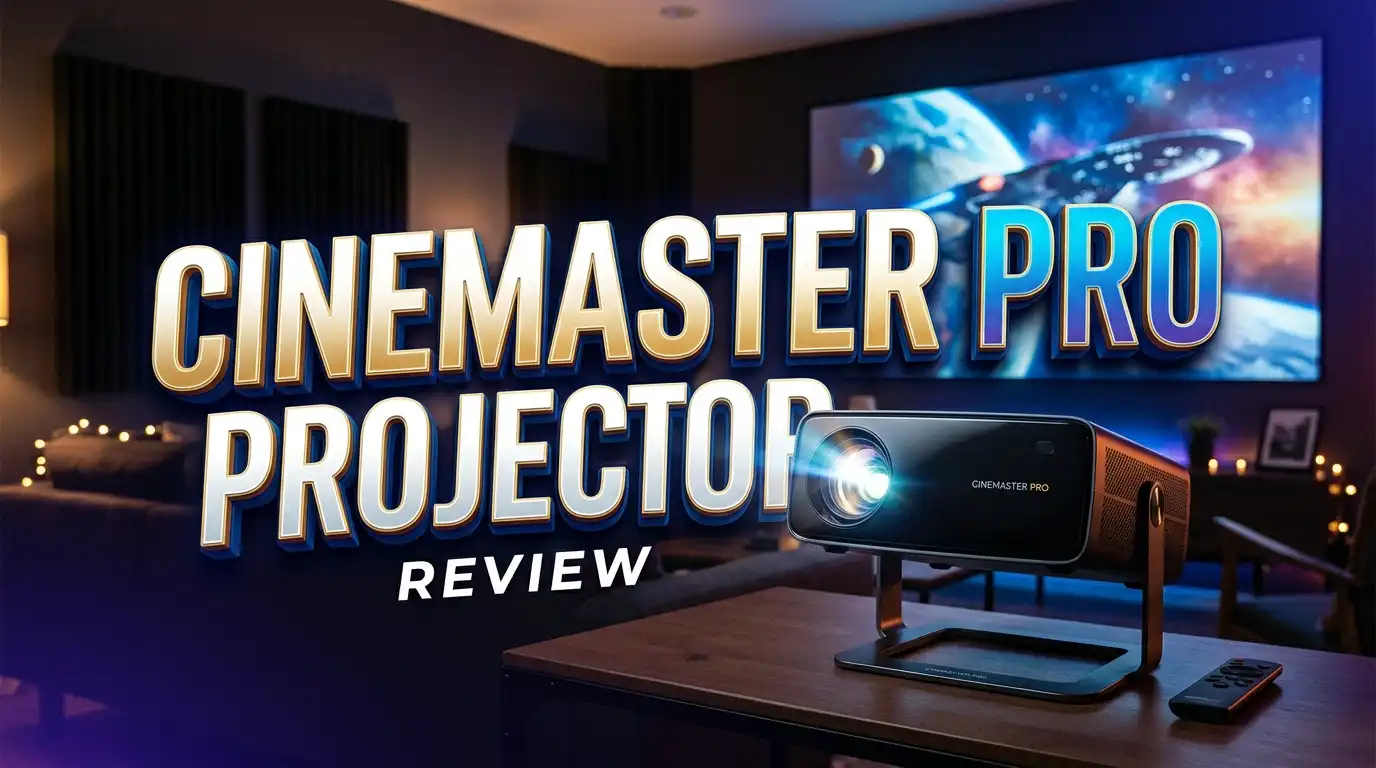
The CineMaster Pro is a budget smart projector sold online. It targets people who want a cinema feel without spending a lot. The brand pitches it as a portable 4K device that streams movies straight from apps. You can place it on a table or mount it for ceiling viewing.
The unit uses an Android TV 11.0 operating system. This lets you install apps like a regular smart TV. It runs on the Allwinner H713 chip, which is common in many low cost projectors. The design copies the look of the popular Samsung Freestyle. It has a rotating base that adjusts up to 210 degrees.

- 【The Freestyle Projector With Android Tv 11.0】 The Projector Offers An Immersive Streaming Experience With...
- 【Next-Gen Connectivity With Wifi6 & Bluetooth 5.0】Featuring The Latest Wifi6 Technology, This Portable...
Last update on 2026-06-22 / Affiliate links / Images from Amazon Product Advertising API
The projector connects through WiFi and Bluetooth. You can pair speakers or send audio to it wirelessly. It also has standard ports for plugging in devices. The compact body makes it easy to move between rooms. It weighs little and fits in a bag.
The main appeal is the low price. It costs far less than name brand projectors. For people new to projectors, this feels like an easy way to test the waters. But the low price comes with trade offs that we will cover next.
CineMaster Pro Projector Key Specifications
Knowing the real specs helps you set the right expectations. Marketing pages often inflate numbers, so here are the grounded figures. The native resolution is 1280 x 720, which means 720p. The device can accept a 4K signal but it will not show true 4K detail.
The measured brightness sits around 200 to 260 ANSI lumens. This is dim compared to mid range projectors. Real users compare the output to a low watt bulb. It performs best in a fully dark room. Daytime use is not practical for this unit.
Here are the core specs at a glance:
- Native resolution: 1280 x 720 (720p), supports 4K input
- Brightness: roughly 200 to 260 ANSI lumens
- Operating system: Android TV 11.0
- Chipset: Allwinner H713
- Connectivity: WiFi, Bluetooth, HDMI, USB
- Design: 210 degree adjustable base, compact body
The display uses LED technology with a long lamp life. LED lamps typically last tens of thousands of hours. This means you will not replace the bulb often. The throw ratio lets you get a large image from a short distance. Overall, the specs match an entry level projector, not a premium one.
Design And Build Quality
The CineMaster Pro looks neat and modern. Its rounded shape and small footprint make it attractive on a shelf. The 210 degree rotating base is the standout feature. You can tilt it to project onto a ceiling or angle it across a room.
The body feels light in the hand. This makes it easy to carry from the living room to the bedroom. The plastic build is fine for the price but does not feel premium. Buttons and ports sit in logical spots. Setup takes only a few minutes out of the box.
The remote is simple and easy to use. It controls the menu, volume, and apps without fuss. The fan runs quietly during normal use. Some users notice mild heat after long sessions, which is normal for projectors.
The design clearly takes inspiration from the Samsung Freestyle. It copies the cylinder shape and the swivel stand. For many buyers, getting that look at a low price feels like a win. Just remember that the build matches the budget, not the premium original. If you handle it with care, it should hold up for casual use.
Picture Quality And Brightness Performance
Picture quality is where expectations need a reality check. The 720p native resolution gives a decent image in a dark room. Text and detail look soft compared to a true 1080p or 4K projector. Movies and shows still look enjoyable for casual viewing.
The biggest limit is brightness. With around 200 to 260 ANSI lumens, the image washes out in any light. You must use it at night or in a room with blackout curtains. In a dark space, colors look reasonable and the picture feels immersive. In daylight, the image fades and loses punch.
The contrast is fair for the price range. Dark scenes can lose some detail in the shadows. Bright scenes look fine when the room is dark. The 4K support means the projector can read a 4K file. It will not display that file in actual 4K, though. It downscales the image to 720p.
For a big screen at a small price, the result satisfies many casual viewers. You get a large image that feels fun for movie nights. Do not expect crisp, theater grade clarity. If picture sharpness matters most to you, a higher resolution projector is the better path.
Smart Features And Streaming Apps
The smart side is a strong point for this projector. It runs Android TV 11.0, so it works like a smart TV. You can browse, install apps, and stream without an extra device. This saves money since you do not need a separate streaming stick.
The Allwinner H713 chip handles apps smoothly for basic use. Menus load at a reasonable speed and navigation feels simple. You can sign into your favorite streaming accounts. Some apps may need a workaround, which is common on budget Android projectors.
Voice features and casting add convenience. You can mirror your phone screen to the wall. Bluetooth lets you connect a soundbar or wireless speakers. This helps because the built in speaker is small and basic.
WiFi connection is stable for most homes. Streaming in a dark room with good internet works well. The smart features punch above the price here. Many cheap projectors skip a proper operating system, so this is a real plus. For casual streamers, the app support adds clear daily value.
Top 3 Alternatives For CineMaster Pro Projector
If the CineMaster Pro does not fit your needs, these three options are worth a look. Each one offers something the budget unit cannot. They range from value picks to premium portable models.
The YABER Pro V9 brings auto focus, 4K support, and WiFi 6. It offers brighter output and sharper images for movie fans who want more clarity.
![[Auto Focus/4K Support] Projector with WiFi 6 and Bluetooth 5.2, YABER Pro V9 Native 1080P Outdoor...](https://howtotechinfo.com/wp-content/plugins/aawp/public/image.php?url=YUhSMGNITTZMeTl0TG0xbFpHbGhMV0Z0WVhwdmJpNWpiMjB2YVcxaFoyVnpMMGt2TkRGNWJqQldhRlpyVDB3dWFuQm58MTc5Mjg4MDM0MQ= "CineMaster Pro Projector Review: 4K Smart Projector Worth It? 3")
- 【Smart Auto Focus & Auto 6D Keystone Correction】Effortlessly getting a clear and well-aligned image in...
- 【4K Support & 20000:1 Contrast Ratio】Light up your viewing!The wifi projector utilizes latest AI optical...
Last update on 2026-06-22 / Affiliate links / Images from Amazon Product Advertising API
The WiMiUS S27 is a short throw mini projector with native 1080p and an adjustable stand. It delivers a sharper picture than 720p models in a compact body.
![[Short Throw/Adjustable Stand]Mini projector with WiFi and Bluetooth, 2025 Upgrade Outdoor Portable...](https://howtotechinfo.com/wp-content/plugins/aawp/public/image.php?url=YUhSMGNITTZMeTl0TG0xbFpHbGhMV0Z0WVhwdmJpNWpiMjB2YVcxaFoyVnpMMGt2TlRGdlZHTmxSRFIwUWt3dWFuQm58MTc5Mjg4MDM0MQ= "CineMaster Pro Projector Review: 4K Smart Projector Worth It? 4")
- 🌟【270° Built-in Stand & All in One Hand】More stable triangular stand, allowing you to effortlessly...
- 🌟【Superior 1.26:1 Projection Throw Ratio & Zoom】Whether you're in a cozy attic, bedroom, RV, or a...
Last update on 2026-06-22 / Affiliate links / Images from Amazon Product Advertising API
The Anker Nebula Capsule 3 Laser is the premium choice. It uses laser tech, runs Google TV, and includes official Netflix. It costs more but offers far better brightness and a true portable design with a battery. For buyers who want quality, this is the top pick of the three.
Sound Quality And Audio Options
The built in speaker handles basic audio well. For a small projector, the sound is loud enough for one viewer or a small room. Dialogue stays clear at moderate volume. The bass is thin, which is normal for a unit this size.
For movie nights with friends, the speaker may feel weak. Action scenes and music lack depth. This is where the Bluetooth feature helps a lot. You can pair a wireless speaker or soundbar in seconds.
A good external speaker transforms the experience. Pairing a soundbar gives you room filling sound that matches the big screen. This is the best way to enjoy films on the CineMaster Pro. The wireless link is stable during playback.
You can also connect speakers through the audio port. This gives flexibility based on your gear. For casual single viewer use, the built in audio works fine. For group viewing, plan to add an external speaker. The audio options are solid for a budget projector, even if the stock speaker is modest.
Setup And Ease Of Use
Setting up the CineMaster Pro is quick and simple. You unbox it, plug it in, and power it on. The Android TV menu guides you through WiFi setup. Most people get it running in under ten minutes.
The adjustable base makes positioning easy. You tilt and rotate it to fit your wall or ceiling. Focus and keystone adjustments help square the image. These tools let you correct a tilted picture with little effort.
The remote controls everything you need. Navigation feels familiar if you have used a smart TV. Installing apps takes a few taps. Beginners will not feel lost during the process.
The simple design is a real benefit for first time projector owners. You do not need technical skills to get started. The biggest setup tip is to use it in a dark room. Once you place it and dim the lights, you are ready to watch. The whole process is friendly and stress free.
CineMaster Pro Projector Pros And Cons
Every projector has strengths and weaknesses. Here is an honest look at both sides of the CineMaster Pro. This helps you decide if the trade offs work for you.
The pros:
- Low price makes it easy to try projectors without a big spend.
- Android TV built in means you can stream apps without extra hardware.
- Compact and light design with a handy 210 degree adjustable base.
- WiFi and Bluetooth support for wireless streaming and audio.
- Simple setup that beginners can handle in minutes.
The cons:
- 720p native resolution, not the true 4K the marketing suggests.
- Low brightness that needs a fully dark room to look good.
- Thin built in speaker that benefits from an external one.
- Marketing claims like “8000 lumens” overstate the real output.
- Build quality matches the budget, not premium projectors.
The balance leans toward value for casual users. If you watch in the dark and want a fun big screen, the pros may win. If you need sharp images or daytime use, the cons matter more.
Who Should Buy The CineMaster Pro Projector?
This projector fits a specific type of buyer. It works best for casual viewers on a tight budget. If you want a cheap way to enjoy a big screen, it delivers. People new to projectors will find it friendly and simple.
It suits those who watch in dark rooms. Bedroom movie nights with the lights off are the sweet spot. Renters and dorm students like it for the low cost and small size. It also works for kids’ rooms and casual gaming on a giant screen.
It is not the right choice for everyone. Serious home theater fans will want more brightness and resolution. People who watch during the day should pick a brighter model. If you want crisp 4K detail, this unit will disappoint you.
Think about your room and your goals. A dark room plus low expectations equals a happy buyer. A bright room plus high standards equals frustration. Match the projector to your real use case. For its target audience, the CineMaster Pro offers fun and value. For demanding users, the alternatives above are smarter picks.
How Does It Compare To The Samsung Freestyle?
The CineMaster Pro copies the look of the Samsung Freestyle. The shape and swivel base are nearly identical. The price gap between them is huge, though. The Samsung costs many times more.
The Samsung Freestyle offers true 1080p resolution and better brightness. Its picture looks sharper and cleaner. The build quality feels more premium. Samsung also backs it with a trusted brand and support.
The CineMaster Pro wins only on price. It gives you the Freestyle style at a fraction of the cost. But you trade away resolution, brightness, and polish. The difference shows clearly side by side.
If budget is your top concern, the copy makes sense. You get the vibe without the high price. If quality matters most, the Samsung is worth the extra spend. Many reviewers call the CineMaster Pro a budget clone of the Freestyle and the HY300. Knowing this helps you set fair expectations before you buy.
Common Complaints And Real User Feedback
Real feedback paints a mixed picture. Some buyers love the value and the big screen fun. Others feel misled by the marketing. The most common complaint is the gap between claims and reality.
Many users point out the resolution issue. They expected 4K and got 720p. This surprises people who trust the product page. The brightness also draws criticism. Reviewers note that it is too dim for any lit room.
On the positive side, fans enjoy the smart features. They like having apps built in without an extra device. The low price softens the complaints for many. People who knew the limits going in tend to feel happy.
Online forums describe it as a cheap Samsung Freestyle clone. Some call the 4K and high lumen claims misleading. The lesson is clear. Buy it for what it really is, a budget 720p projector. If you do that, you avoid disappointment. The feedback shows that expectations decide your satisfaction.
Is The CineMaster Pro Projector Worth It?
So, is this projector worth your money? The answer depends on your needs. For casual users in dark rooms, it offers real value. You get a big screen and smart apps at a low price. That combo is hard to beat at this cost.
For demanding viewers, the answer is no. The 720p resolution and dim output fall short of premium models. If you want sharp 4K or daytime use, spend more. The alternatives above serve those needs better.
The key is honest expectations. The marketing oversells the specs. The real device is a basic 720p projector with a smart system. Judge it on that, and it can please you. Judge it on the hype, and it will let you down.
For a fun, cheap entry into projectors, it earns a fair recommendation. Just go in knowing the true specs. If your budget allows more, a step up brings a clear quality jump. Match the projector to your room, your budget, and your goals for the best result.
Frequently Asked Questions
Is the CineMaster Pro a real 4K projector?
No, it is not a true 4K projector. The native resolution is 1280 x 720, which is 720p. It can accept a 4K video signal but it displays the image at 720p. The marketing language about 4K refers to input support, not real 4K output.
How bright is the CineMaster Pro projector?
The real brightness sits around 200 to 260 ANSI lumens. This is dim by projector standards. You need a fully dark room for a good picture. The “8000 lumens” figure is a marketing number, not a measured ANSI rating.
Can I stream Netflix and other apps on it?
Yes, it runs Android TV 11.0 with built in app support. You can install streaming apps and sign into your accounts. Some apps may need a small workaround, which is common on budget Android projectors. WiFi makes streaming simple in a dark room.
Does the CineMaster Pro work in daylight?
No, it does not perform well in bright rooms. The low brightness causes the image to wash out in any light. Use it at night or with blackout curtains for the best result. Daytime viewing is not practical with this projector.
Is the CineMaster Pro the same as the Samsung Freestyle?
No, it is a budget clone with a similar look. The Samsung Freestyle offers higher resolution, more brightness, and better build quality. The CineMaster Pro copies the design at a much lower price. Many reviewers compare it to the Samsung Freestyle and the HY300.
Who should buy the CineMaster Pro projector?
It suits casual viewers who want a cheap big screen for dark rooms. Renters, students, and beginners enjoy the low price and simple setup. Serious home theater fans should pick a brighter, higher resolution model from the alternatives listed above.

DK is a technology expert who specializes in AI tools, software, and tech gadgets. He writes for How to Tech Info, providing detailed reviews and practical guides. DK helps readers discover the best AI applications, navigate new software, and choose the right tech gadgets.