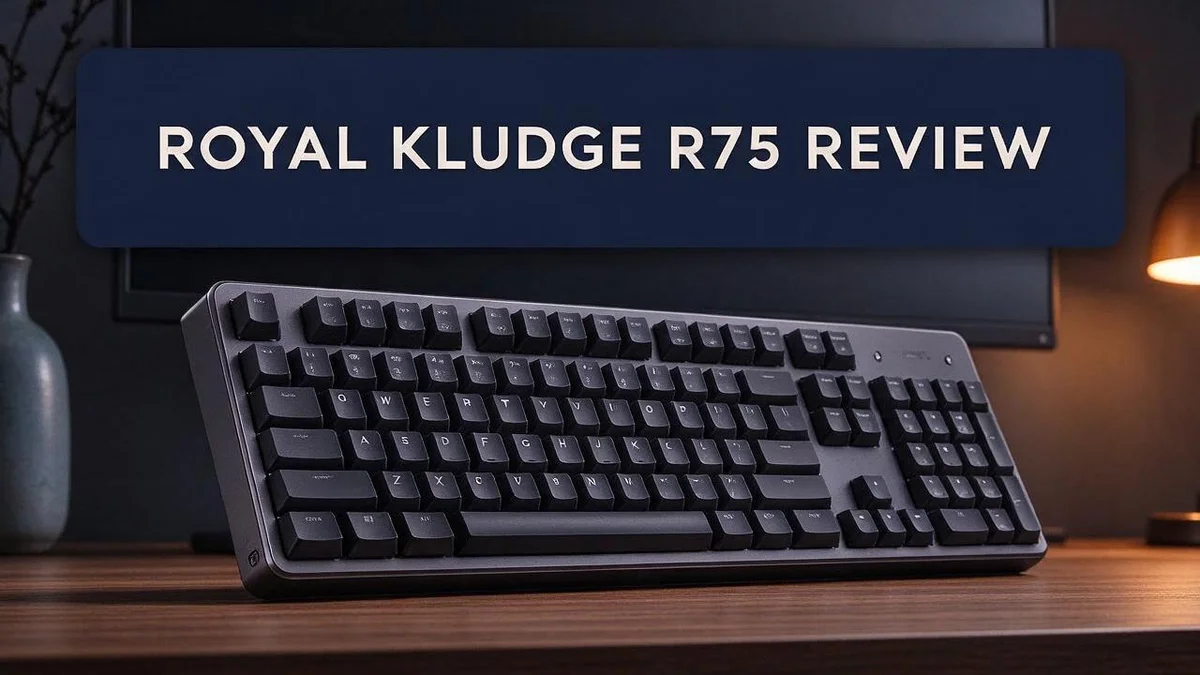
Royal Kludge R75 Review: Layout, Build, Typing Feel, Software and Alternatives
If you want a keyboard that looks clean on your desk, the Royal Kludge R75 is worth a look. It has a compact layout that keeps the F row and arrow keys.
Typing feels satisfying on this board. The gasket mounted design and ABS case help the keys sound solid. Hot swappable switches let you change the feel without soldering.
You also get RGB backlighting and a multifunction control knob. The board supports VIA and QMK software. So you can build macros and set custom key layouts.
The stabilizers are rattle free, which many users appreciate. Still, the board is not the top pick for everyone. Some reviewers feel other boards offer stronger acoustics and wireless options.
In this guide, we look at what the R75 does well. We also cover where it falls short. Keep reading to see if it fits your setup.
In a Nutshell
- Compact layout: The R75 uses a 75% design that saves desk space. It keeps the F row and arrow keys, so you lose little daily function.
- Solid build: The ABS case and gasket mounting give the board a sturdy feel. The hot swappable switches let you change parts later without soldering. The switches are described as faster silver switches.
- Deep customization: VIA and QMK support let you add macros and remap keys. Complex key assignments are possible, so power users can shape the board around their workflow.
- Strong competition: Reviewers often point to the Aula F75 as a stronger pick. Users say it sounds better right out of the box, and it also offers tri mode connectivity.
- Mixed reviews on sound and wireless: Some listings mention only 2.4 GHz wireless. Other reviewers want stronger switches and better acoustics from a board in this class.
- Who it suits best: The R75 fits people who want a tidy board with deep software control. Shoppers who care most about sound or full wireless options may want to compare other boards, such as the Kreo, before they decide.
Layout and Build Quality
The layout is a good place to start. Sources disagree on the exact size, though. Most listings call the Royal Kludge R75 a 75% board, but one lists it as 60%. Check the size before you order.
The 75% format keeps the F row and arrow keys. Many compact boards drop these keys, which can slow down daily work. On the R75, you keep function shortcuts and cursor control in one frame.
One standout feature is hot swappable switches. You can pull out a switch and fit a new one without soldering. This makes the R75 friendlier for people who like to experiment.
Switch quality matters too. Reviewers describe the included silver switches as faster, but they do not call them the best option. If you want the strongest switch performance, compare other boards first.
Sound and build feel are closely linked. Reviewers say other boards offer stronger acoustics. The Aula F75 is often praised for sounding better out of the box.
Think about how you use the keys each day. Office workers often rely on the arrow keys for quick edits. Gamers may use the F row for menu shortcuts. The R75 supports both habits in one compact frame.
The 75% size fits in a bag more easily than a full size board. It still takes more room than a 60% model. Measure your desk space before you decide.
Mixed signals about the layout are common in online listings. Always compare the product page with the manufacturer details. Look for the exact key count to confirm the size.
Finally, read several reviews before you decide. Each reviewer tests the board in a different setup. Matching their notes with your own needs gives you the clearest answer.
Switches and Typing Feel
The switches decide how each key press feels. The R75 uses silver switches that are known for quick response. That speed suits people who type fast or game often.
A quicker switch means a key registers sooner after you press it. Many fast typists notice this right away. It can make long writing sessions feel smooth and light.
Speed is only one part of the story. Reviewers say the R75 does not sit at the top of the switch list. Other boards in this class often offer stronger switches for the same daily tasks.
Sound also plays a role when you compare options. Reviewers say the Aula F75 sounds better straight out of the box. That makes switch quality a key factor in your decision.
The hot swap sockets open a useful door. You can pull out a switch and try a different model without soldering. This lets you explore new feels over time, which keeps the board fresh.
Before you buy, try to test the switches in person. Visit a shop or ask a friend who owns the board. Type for a few minutes and notice how your fingers respond.
Key feel also varies from person to person. Some people like a light touch, while others prefer more resistance. Pay attention to how the keys respond when you press them slowly and quickly.
Gamers often look for fast actuation. Quick switches can help in games that need rapid inputs. Still, the R75 is not built only for gaming.
Some people type in short bursts, while others write for hours. Both groups should test the board for a while. A few minutes may not reveal everything.
Your choice of switches shapes how the R75 feels every day. Spend a little time with them before you decide. Take notes on what feels good and what feels off. Compare your notes with the reviews you read.
Software and Customization
The software side of the R75 gives you more control than many boards at this size. It runs on VIA and QMK, so your setup can grow over time.
Think of the software as a control panel for each key. You can shift functions around and change how the lights respond.
Layers are a good place to start. A layer lets one key do a second job while you hold a special key.
For example, you can reach media controls without moving your hands far from the home row. Many people find this helpful for daily work.
The multifunction knob also fits into your setup. You can assign it to volume, scrolling, or brightness. Pick the job you use most.
Saved profiles keep your work portable. Settings live on the keyboard itself. Plug into a new computer, and your layout still works.
Some people enjoy simple tweaks. Others build detailed programs with timed actions. Start small, then add one change at a time.
Keep a written record of every change. A short note helps you undo a mistake fast. It also helps you rebuild a layout later.
Lighting deserves its own profile too. You can set one mode for typing and another for gaming. Switching between them takes only a key press.
Firmware updates need extra care. Read the release notes before you install anything. A stable setup is easier to live with than constant changes.
Test each layout for a few days. Real work shows problems that a quick trial misses. Small adjustments often make the biggest difference.
Top 3 Alternatives
Keychron K2
No products found.
The Keychron K2 is a great pick for people who want a small desk footprint. It uses a compact 75 percent layout that keeps the arrow keys and function row while saving space. You can connect it over Bluetooth or USB-C, and it works smoothly with both Mac and Windows computers.
Many users also love the hot-swappable switches. You can change switches later without soldering, which makes customizing simple.
Keychron K8
No products found.
If you need a number pad, the Keychron K8 offers a tenkeyless layout. This means it has all the main keys without the numeric keypad on the right. It is a good middle ground between a full-size board and a compact one.
The K8 supports wireless and wired use. Like the K2, it also includes hot-swappable options, so you can try different switch feels as you go.
Akko 3068B

- Bigger is Better: Akko wired 3108 keyboard is in sophisticated Black & Gold, where luxury meets full-size...
- Cherry Profile & PBT Double-Shot Keycaps: Akko's cherry profile keycaps are designed to bring maximum comfort...
Last update on 2026-11-07 / Affiliate links / Images from Amazon Product Advertising API
The Akko 3068B is a very compact keyboard with a 65 percent style design. It packs arrow keys and a useful set of shortcuts into a small frame. This makes it ideal for travel or a crowded desk.
Its typing feel is a major highlight. Many people enjoy its satisfying sound and smooth keystrokes. It is a fun choice for anyone who wants a small board with personality.
Sound and Acoustics
When you type on the Royal Kludge R75, you hear the board as much as you feel it. Many buyers focus only on key feel, so sound often gets missed.
The case uses ABS plastic, and the board is gasket mounted. This setup can soften the hollow ring that thin cases often make. Still, reviewers say the acoustics do not lead the pack.
Here is what that means for your desk. You can get a soft, muted sound, but it may not match the warmer tone some rivals deliver out of the box.
Try a simple sound test. Open a blank document and type a few full sentences at your normal speed. Record the audio with your phone from a set distance.
Play the clip back and listen for hollow pings or sharp clacks. Repeat the same test on any other board you consider. Matching the conditions makes the comparison fair.
Your room also shapes the result. Hard desks, bare walls, and glass surfaces bounce sound back. The board can seem louder than it really is.
Soft rugs and fabric panels help absorb those echoes. They cost little effort and change the mood of the whole space.
Some owners add small changes inside the case. Foam layers or a thin pad under the plate can tame the ring.
These mods take time. Each change can alter the feel, so write down what you tried.
If you share an office or a quiet home, noise matters more. Keyboard sound may bother coworkers during long writing sessions.
Choose a board that fits the room. Do not judge only by how it sounds to you.
Lubed switches also shift the sound. Smooth lube can reduce scratchy noise and make the board feel calmer. This step needs patience, so start with a few switches to learn the process.
Pros and Cons
Pros
- Clean look that fits well on most desks.
- Compact frame that still keeps the F-row and arrow keys.
- Stabilizers that stay rattle free for smooth keystrokes.
- RGB lighting that adds a fun glow to your setup.
Cons
- Some reviewers say rival boards offer stronger switches.
- The Aula F75 sounds better right out of the box, according to one review.
- Wireless specs differ between listings, so confirm what you need.
- Sources disagree on the exact layout size, so measure your desk first.
Who Should Buy It
The R75 suits people who want their first mechanical keyboard. It offers a fresh typing feel without a complicated start. New users can explore at their own pace.
Switches that swap out easily make this board a good playground. You can change switches without soldering. That lets you test different feels before you settle on one.
Writers who type for hours may enjoy the crisp, satisfying keystrokes. Long days at the desk feel more pleasant when each key press feels good.
Tinkerers who love building their own setup will feel right at home. The board supports macros, custom layouts, and detailed key assignments. Each change can make the board feel more personal.
Students and home office workers often need a tidy setup. A board like this can fit a small desk. It also adds a personal touch to a plain workspace.
Typists who switch between tasks may appreciate the layout. Writing, coding, and spreadsheet work all use the same keys. Your daily tasks should guide your decision.
Buyers who like to keep learning should also enjoy this board. Each tweak teaches you a little more about keyboards.
Shoppers who want top sound or the strongest switches may look elsewhere. Reviewers say other boards handle those areas better. Decide what matters most before you buy.
Some buyers need wireless options above all else. If that is you, compare the R75 with rival boards before you commit. The Kreo appears in comparisons, but the research did not evaluate it.
Shoppers who browse many options should make a short list. Include the Aula F75 for its flexible connection options. Then compare how each board fits your daily habits.
In short, the R75 fits curious typists and hands on tinkerers. It rewards people who enjoy trying new things.
Test it in person when possible. Then decide with confidence.
Final Verdict
The Royal Kludge R75 is a solid board, but it is not the top pick for everyone. It delivers a pleasant typing feel and plenty of room to tinker. However, it may not win every comparison.
Think of this board as a strong starting point. Its strengths are real. Its weak spots are also clear. That balance matters more than any single spec sheet.
Check the competition carefully. The Aula F75 gets strong attention from reviewers. The Kreo appears in discussions too, but no full review was available here. Compare them side by side before you decide.
Before you buy, weigh what you care about most. If you want the best switches, sound, and wireless performance, look at rivals first. If you want a tidy board you can customize deeply, the R75 deserves a close look.
Look at the learning curve. The board suits people who enjoy exploring settings. Setup can take a little time. Patience pays off once you find your ideal layout.
List the features you will really use. Ask which features matter most to your daily routine. If you rarely adjust lighting or macros, you may skip some extras. Focus on what helps your typing most.
Keep your expectations realistic. Some details vary between sellers and listings. Check the official product page and recent reviews before you commit. Fresh data helps you avoid surprises.
Consider the long term too. A board that feels fun today may feel dull later. Its open setup gives you room to grow as your tastes change.
Try before you commit. A hands on trial reveals more than any list. If a store or friend owns one, type on it for a few minutes.
Trust your own taste. Reviews guide you, but they cannot feel the keys for you. Choose the board that makes you eager to type each day.
Our final take is simple. The Royal Kludge R75 suits buyers who want a playful, personal keyboard. Shoppers who prioritize top tier sound should explore alternatives first.
Frequently Asked Questions
What does the control knob do?
The multifunction knob gives you quick access to common settings. You can assign it to jobs like volume or lighting through the software. Set it up for the tasks you repeat most often.
Can the R75 help with gaming?
It can. The board uses faster silver switches, and macros can run a repeated key combo with one press. Test the feel in your own hands before you rely on it for fast games.
Do I need software to use the R75?
No. Basic typing works right away. You only need software like VIA or QMK when you want to change key assignments, build macros, or adjust lighting in detail.
How can I make long typing sessions easier?
Your wrists matter more than you might think. A wrist rest and a desk height that keeps your elbows relaxed can reduce strain. Small changes to your setup often make the biggest difference.

DK is a technology expert who specializes in AI tools, software, and tech gadgets. He writes for How to Tech Info, providing detailed reviews and practical guides. DK helps readers discover the best AI applications, navigate new software, and choose the right tech gadgets.