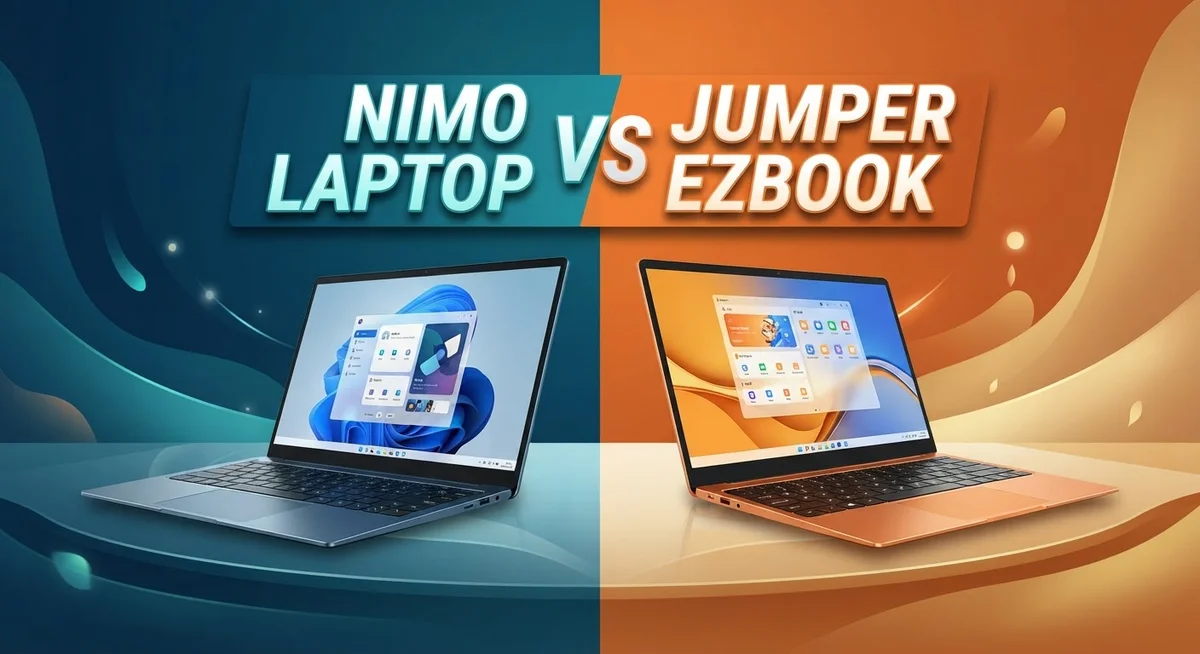
Nimo Laptop vs Jumper Ezbook: Performance & Features Compared
Picking a new laptop can feel like a big decision. Two names often pop up in the same search: Nimo Laptop and Jumper Ezbook.
Both brands promise a lot on paper. But they serve very different types of users.
Nimo Laptop brings modern processors and higher RAM options to the table. It suits people who need real performance for work or play.
Jumper Ezbook takes a simpler path. It focuses on light tasks like browsing and basic office work.
This guide breaks down both laptops side by side. We look at their specs, strengths, and weaknesses in detail.
You will see how each machine handles daily tasks. We also point out where each one falls short.
By the end, you will know exactly which laptop fits your needs. Whether you want raw power or a simple everyday device, this comparison has you covered.
Let’s dive into the details and find your perfect match.
Quick Comparison: Nimo Laptop vs Jumper Ezbook
| Feature | Nimo Laptop | Jumper Ezbook |
|---|---|---|
| Processor | Up to Ryzen 7 8745HS 4.9GHz | Atom X5 Z8300 to newer configs |
| Display | 15.6″–17.3″ FHD, 60Hz | 13.3″–16″ FHD IPS |
| RAM/Storage | Up to 32GB RAM, 1TB SSD | 4–16GB RAM, 64–512GB eMMC |
| Weight | ~4.6 lbs | Not specified, ultraportable |
| Build Quality | Premium, lightweight design | Basic, budget build |
| Battery Life | Fast charging supported | ~4+ hours (older models) |
| Ports & Connectivity | Full-sized USB, fingerprint login | No full-sized USB (older models) |
| Best Use | Dev work, gaming, productivity | Light browsing, office tasks |
Nimo Laptop Review

- 【Immersive 15.6" FHD Anti-Glare Display】Work & Study with Visual Comfort. Crystal-clear visuals on the...
- 【Flexible Storage: Starter Power with Pro-Level Growth – Smart start Bigger future】 Budget-friendly for...
Last update on 2026-08-16 / Affiliate links / Images from Amazon Product Advertising API
The Nimo Laptop brings modern processors and solid performance to users who want a dependable machine without compromise. It suits web developers, content creators, and anyone tackling everyday productivity or gaming.
This laptop features up to Ryzen 7 8745HS processors and configurations reaching 32GB RAM with 1TB SSD storage. You get a lightweight design at around 4.6 lbs, making it easy to carry between locations.
The premium build quality stands out with a backlit keyboard, fingerprint login, and fast charging capability. The 15.6″ to 17.3″ FHD display delivers clear visuals for work and entertainment alike.
Real-world users report strong performance and excellent clarity across daily tasks and light gaming. Linux compatibility is particularly strong, making it a favorite among developers seeking flexibility.
Pros
- Modern Ryzen/Intel processors deliver fast multitasking and smooth performance
- High-end RAM and storage options (up to 32GB/1TB) handle demanding software
- Lightweight, premium build with backlit keyboard and fingerprint security
- Excellent Linux support for developers and power users
Cons
- Limited third-party reviews and brand visibility online
- Fewer independent reviews compared to established competitors
- FHD display at 60Hz refresh rate (not ideal for gaming enthusiasts)
Jumper Ezbook Review

- 【16" Full-View HD Screen】Enjoy a vibrant visual experience on the 16 Inch Full HD IPS display with a...
- 【Efficient Performance Laptop】This jumper notebook is powered by Celeron Dual-core Processor 5305U with a...
Last update on 2026-08-16 / Affiliate links / Images from Amazon Product Advertising API
The Jumper Ezbook is a compact laptop designed for users who need a portable machine for everyday tasks. It offers display sizes ranging from 13.3″ to 16″ with IPS panels that deliver solid color accuracy.
This laptop comes with modest processing power and flexible RAM options from 4GB to 16GB. The build focuses on simplicity and portability rather than raw performance.
Real-world users consistently rate the Jumper Ezbook highly, with 4+ star ratings across multiple platforms. Owners report reliable performance for web browsing, email, and office work like word processing and spreadsheets.
The machine suits light-duty computing and travel scenarios where portability matters more than processing muscle. It’s best for students, casual users, and anyone handling basic productivity without demanding software or gaming.
Pros
- Consistently high user ratings (4+ stars) across reviews
- Larger display options available (up to 16″) for better screen real estate
- Lightweight and portable for travel and daily commuting
Cons
- Older processor options (Atom-based models) limit multitasking speed
- Battery life runs short at around 4 hours on older variants
- Weak webcam quality and limited Bluetooth range on several models
Head to Head: Key Differences
The Nimo Laptop and Jumper Ezbook serve different user needs. Nimo targets people who want modern performance, while Jumper focuses on lightweight portability for basic tasks.
Processor power differs significantly. Nimo uses current generation Ryzen 7 and Intel processors running at speeds up to 4.9GHz. Jumper relies on older Atom X5 Z8300 chips in many popular models, which handle simple browsing and office work but struggle with demanding software.
Memory and storage tell another story. Nimo offers configurations up to 32GB RAM with 1TB SSD drives for multitasking and creative work. Jumper maxes out at 16GB RAM with eMMC storage that runs slower than traditional SSDs, limiting performance on storage intensive tasks.
Display sizes cater to different preferences. Nimo provides 15.6 to 17.3 inch screens for immersive viewing and detailed work. Jumper squeezes into 13.3 to 16 inch formats, prioritizing compact travel over screen real estate.
Build quality and features separate the machines. Nimo includes backlit keyboards, fingerprint login, and fast charging as standard features. Jumper’s budget variants skip these conveniences and feature weaker webcams plus limited Bluetooth range.
Battery life varies by model. Nimo users report solid endurance for full workdays. Jumper’s older models manage only 4 plus hours, requiring frequent charging during travel.
Real world performance expectations matter. Nimo suits web developers, content creators, and gamers needing responsive machines. Jumper works well for students and travelers doing light email, documents, and streaming without heavy computing demands.
Which One Should You Buy
The Nimo Laptop takes the win in this matchup. It packs modern Ryzen and Intel processors, along with higher RAM and storage ceilings.
Build quality also stands out on the Nimo. This makes it a future-proof pick for demanding tasks.
The Jumper Ezbook still holds value for simpler needs. It works well for light, everyday use.
Best for each buyer
- Nimo Laptop: Best for users who need strong performance for web development, general productivity, and gaming with modern specs.
- Jumper Ezbook: Best for casual users who want a basic ultraportable for light browsing and simple office tasks.
Frequently Asked Questions
Which laptop handles demanding tasks better?
The Nimo Laptop wins here. It features current-generation Ryzen 7 and Intel processors that run at high speeds.
You get up to 32GB RAM and 1TB SSD storage. This setup handles video editing, coding, and gaming smoothly.
The Jumper Ezbook uses older Atom processors. It works fine for browsing and office documents.
Heavy software or multitasking will slow it down noticeably.
What if I need something light to carry around?
Both laptops are portable, but they differ. The Nimo weighs around 4.6 lbs and comes in 15.6 to 17.3 inch sizes.
The Jumper Ezbook offers 13.3 to 16 inch displays and is generally more compact. If you travel constantly and want the smallest option, the Jumper suits you.
If you want portability plus screen space, the Nimo balances both well.
How do the displays compare?
The Nimo delivers 15.6 to 17.3 inch FHD screens at 60Hz. You get more screen real estate for detailed work.
The Jumper offers 13.3 to 16 inch FHD IPS displays. IPS panels provide better color accuracy and viewing angles.
For creative work, the Jumper’s IPS tech helps. For general use, both are clear and bright.
Which has better security and comfort features?
The Nimo Laptop includes fingerprint login and backlit keyboards. These features boost security and let you type in dim lighting.
The Jumper Ezbook lacks these premium touches. If security and typing comfort matter to you, Nimo leads.
Who should buy each laptop?
Choose Nimo if you code, edit video, or game. Choose Jumper if you mainly browse, email, and handle spreadsheets.

DK is a technology expert who specializes in AI tools, software, and tech gadgets. He writes for How to Tech Info, providing detailed reviews and practical guides. DK helps readers discover the best AI applications, navigate new software, and choose the right tech gadgets.