
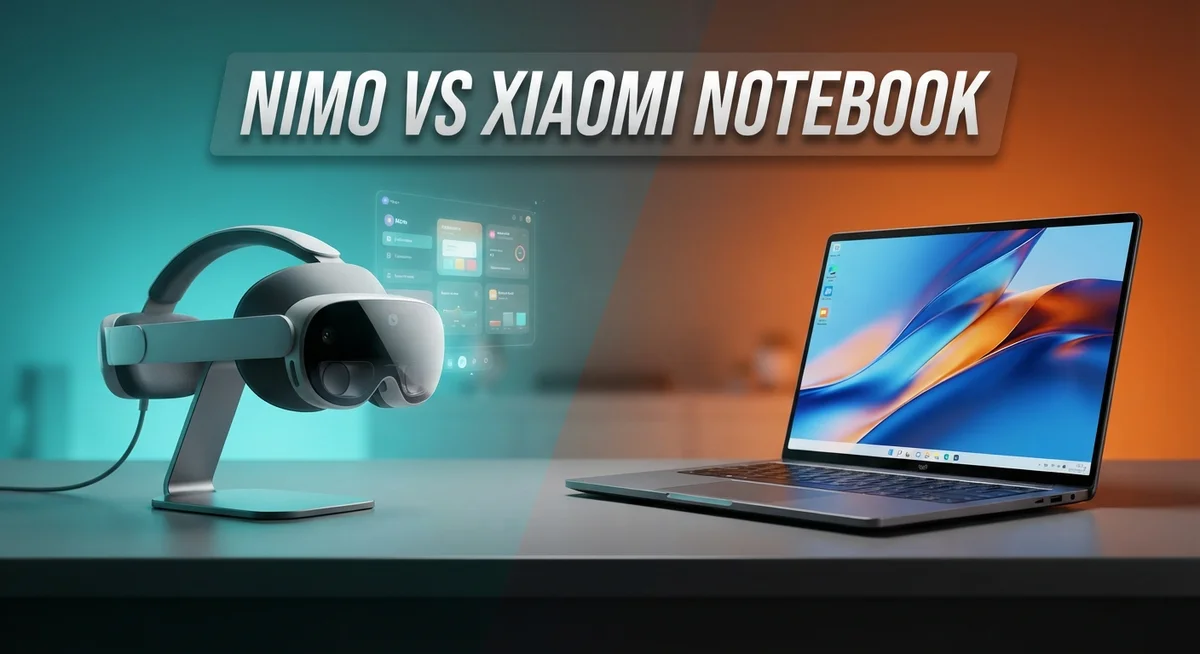
NIMO vs Xiaomi Notebook: Which Offers Better Performance?
Picking a new laptop feels like a big decision. You want something that fits your daily tasks without stress.
Today we compare two interesting options: Nimo and Xiaomi Notebook. Both brands promise good performance, but they take different paths to get there.
Nimo laptops focus on simple, no-fuss computing. They come with solid specs for everyday use like browsing, writing, and studying.
Xiaomi Notebook, on the other hand, brings newer processors and sharper displays. It aims at users who need extra power for coding, content creation, or multitasking.
So which one deserves a spot on your desk? This guide breaks down the specs, features, and real-world performance of both laptops.
By the end, you will know exactly which notebook matches your needs and lifestyle.
Quick Comparison: Nimo vs Xiaomi Notebook
| Feature | Nimo | Xiaomi Notebook |
|---|---|---|
| Display | 15.6″ IPS FHD | 14-15.6″ 2.5K/120Hz LCD |
| Processor | Intel/AMD Ryzen (up to R5) | 12th Gen Intel i5 |
| RAM | 16-32GB | Up to 16GB LPDDR5 |
| Storage | 512GB-1TB SSD | 512GB SSD, expandable to 3TB |
| Graphics | Integrated only | Optional NVIDIA MX450 |
| Battery Life | Standard, fast charging | Up to 13 hours |
| Build Quality | Basic plastic build | Premium aluminum build |
| Best Use | Budget students, basic tasks | Professionals, content creation |
Nimo Review

- [Pro-Grade 8-Core Performance] Powered by the AMD Ryzen 7 7735HS processor (8 Cores/16 Threads, up to...
- [Blazing DDR5 Speed & DIY Expandable Storage] Built with 16GB high-speed DDR5 RAM and a responsive 256GB PCIe...
Last update on 2026-08-16 / Affiliate links / Images from Amazon Product Advertising API
Nimo is a straightforward laptop line built for everyday computing tasks. It strips away unnecessary features and focuses on getting the job done without complications.
The standout features include a 15.6″ IPS FHD display that delivers clear visuals for web browsing and document work. You also get a backlit keyboard and fingerprint login for quick access to your files.
Inside, Nimo packs either Intel or AMD Ryzen processors (up to Ryzen 5 with 4 cores @ 3.7GHz) paired with 16-32GB RAM options. Storage maxes out at 1TB SSD, and the 65W Type-C charging means faster power-ups when you’re on the move.
Real-world performance handles emails, spreadsheets, and streaming without lag. The build stays practical rather than flashy, and Nimo backs it with a 2-year warranty that gives you peace of mind.
Pros
- Extremely flexible configurations let you pick exactly what you need
- Fast Type-C charging gets you back to work quickly
- 2-year warranty covers your investment
- Works great for students and basic computing tasks
Cons
- Processors use older generations compared to newer models
- No dedicated graphics for photo or video editing
- Limited upgrade options once you buy
Xiaomi Notebook Review

- WIFI Version No Calls or Text, NO SIM CARD OR SD SLOT . FCC ID: 2AFZZCRP4CG
- 3.2K 144Hz crystal-clear display11.2"3:23200 x 2136, 345 ppiUp to 144HzUp to 360Hz 240Hz (with pen)800 nits...
Last update on 2026-08-16 / Affiliate links / Images from Amazon Product Advertising API
Xiaomi Notebook brings modern performance to portable computing. It targets professionals and creators who need reliable power on the go.
The display stands out immediately with 14-15.6″ options featuring either 2.5K LCD or 120Hz refresh rates. These screens make content creation, coding, and productivity work feel smooth and responsive.
Inside, you get 12th Gen Intel i5 processors paired with up to 16GB LPDDR5 RAM. Optional NVIDIA MX450 dedicated graphics handle light video editing and design tasks without breaking a sweat.
Real-world performance stays snappy whether you’re juggling multiple browser tabs or running development software.
Build quality reflects a premium aluminum chassis that feels solid in hand. Battery life reaches up to 13 hours, keeping you productive through long workdays.
Expandable storage via dual M.2 slots means you can add a second drive later without hassle.
Pros
- Newer 12th Gen Intel processors deliver faster performance than older alternatives
- Dual M.2 storage slots let you expand up to 3TB total capacity
- Optional dedicated GPU handles creative work and gaming
- Thunderbolt connectivity supports high-speed external devices
Cons
- Limited market availability makes finding one in your region challenging
- Some user discussions mention durability concerns with long-term use
- Fewer customization options compared to budget alternatives
Head to Head: Key Differences
The processor generation marks the first major split between these two laptops. Nimo uses older Intel i5 chips or mid-range AMD Ryzen 5 processors, while Xiaomi packs 12th Gen Intel i5 CPUs that deliver noticeably faster performance.
For everyday tasks like email and browsing, both handle the load fine, but Xiaomi pulls ahead when you need sustained speed.
Display quality shows a clear difference too. Nimo offers a standard 15.6″ FHD IPS screen with basic clarity, while Xiaomi gives you either 2.5K resolution or 120Hz refresh rates depending on the model.
If you spend hours staring at your screen, Xiaomi’s sharper or smoother display reduces eye strain significantly.
Graphics capability separates these machines for creative work. Nimo relies entirely on integrated graphics, which struggles with photo editing or light video work.
Xiaomi offers an optional NVIDIA MX450 dedicated GPU that handles creative tasks without stuttering.
Storage flexibility favors Xiaomi here. Both start with 512GB SSDs, but Xiaomi includes a second M.2 slot for expansion without opening the laptop later.
Nimo limits you to the single drive you choose upfront.
Battery endurance tips toward Xiaomi as well. You get up to 13 hours of real-world use, while Nimo’s battery life depends heavily on which configuration you select.
For people constantly moving between locations, Xiaomi’s stamina matters.
Build materials reflect different priorities. Nimo keeps things simple and functional with standard construction.
Xiaomi wraps everything in premium aluminum that feels more durable and looks more professional. Both are reliable, but Xiaomi’s chassis inspires more confidence during travel.
Which One Should You Buy
Xiaomi Notebook takes the win in this comparison. It packs a 12th Gen Intel processor, sharper display options, and optional dedicated graphics.
These upgrades make it a stronger performer for demanding tasks. It also lasts longer on a single charge.
Nimo still holds its ground for simpler needs. It handles everyday computing without any fuss.
Best for each buyer – Nimo: Suits budget-conscious students and users who need a laptop for basic tasks like web browsing and document editing. – Xiaomi Notebook: Suits professionals and creators who need portable performance for content creation, coding, and productivity.
Frequently Asked Questions
Which laptop handles video editing better?
Xiaomi Notebook wins here. The optional NVIDIA MX450 dedicated GPU accelerates video rendering and effects processing.
NIMO laptops use integrated graphics only, which slows down creative work significantly. If you edit videos regularly, Xiaomi’s extra graphics power saves you hours of waiting.
Can I upgrade storage on either laptop?
Xiaomi offers real upgrade flexibility. It has dual M.2 slots, so you can add a second SSD later without opening the whole machine.
NIMO gives you one storage option upfront. You pick your capacity when you buy, then you’re locked in.
For growing file collections, Xiaomi’s expandable design wins.
Which processor is actually faster?
Xiaomi uses 12th Gen Intel i5 chips. NIMO typically has older Intel i5 or mid-range Ryzen processors.
The generation gap matters. Xiaomi’s newer processors handle multitasking smoother and run demanding apps faster.
For basic browsing and documents, both feel responsive. For coding or running multiple programs simultaneously, Xiaomi pulls ahead noticeably.
What about battery life on long trips?
Xiaomi Notebook reaches up to 13 hours per charge. NIMO’s battery endurance isn’t specified as clearly, but typically runs shorter.
If you travel frequently without charging access, Xiaomi keeps you working longer. NIMO does charge quickly via Type-C, so shorter trips with access to power work fine.
Which display is easier on the eyes?
Xiaomi’s 2.5K LCD or 120Hz refresh rate options reduce eye strain during long work sessions. NIMO’s 15.6″ FHD display is basic but functional.
The sharper Xiaomi screen makes text crisper and scrolling smoother. For students studying for hours, this comfort difference matters.

DK is a technology expert who specializes in AI tools, software, and tech gadgets. He writes for How to Tech Info, providing detailed reviews and practical guides. DK helps readers discover the best AI applications, navigate new software, and choose the right tech gadgets.


